


Your wallet,outside the store.
ATQM Wallet is distributed as a development archive. Download it, unpack it, and load the extension in Chrome using the guide below.
Takes less than 1 minute
ATQM Wallet
Version unavailable
Install only from atqm.network. Never use a seed phrase in an unverified build.

Google Chrome
Load the extension through Chrome's developer tools.
- 01
Download the archive
Use the download button on this page and save the wallet archive somewhere you can find again.
- 02
Unpack it
Extract the archive into a permanent folder.
- 03
Open Extensions
Enter the address below directly into Chrome's address bar.
chrome://extensions - 04
Enable Developer mode
Turn on the Developer mode switch in the upper-right corner of the Extensions page.

- 05
Click Load unpacked
Select "Load unpacked" on the Extensions page.

- 06
Select the extension folder
Choose the extracted ATQM Wallet folder.
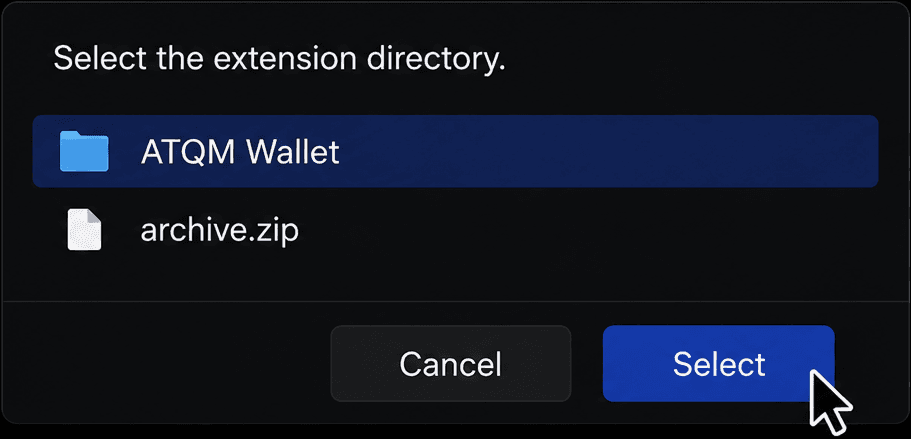
Keep the extracted folder in place. Moving or deleting it will disable the locally loaded extension.
Updating the wallet currently means downloading the latest archive and loading the new extracted folder again.